
Fixing a Skewed Astra Site Title in Static WordPress Output
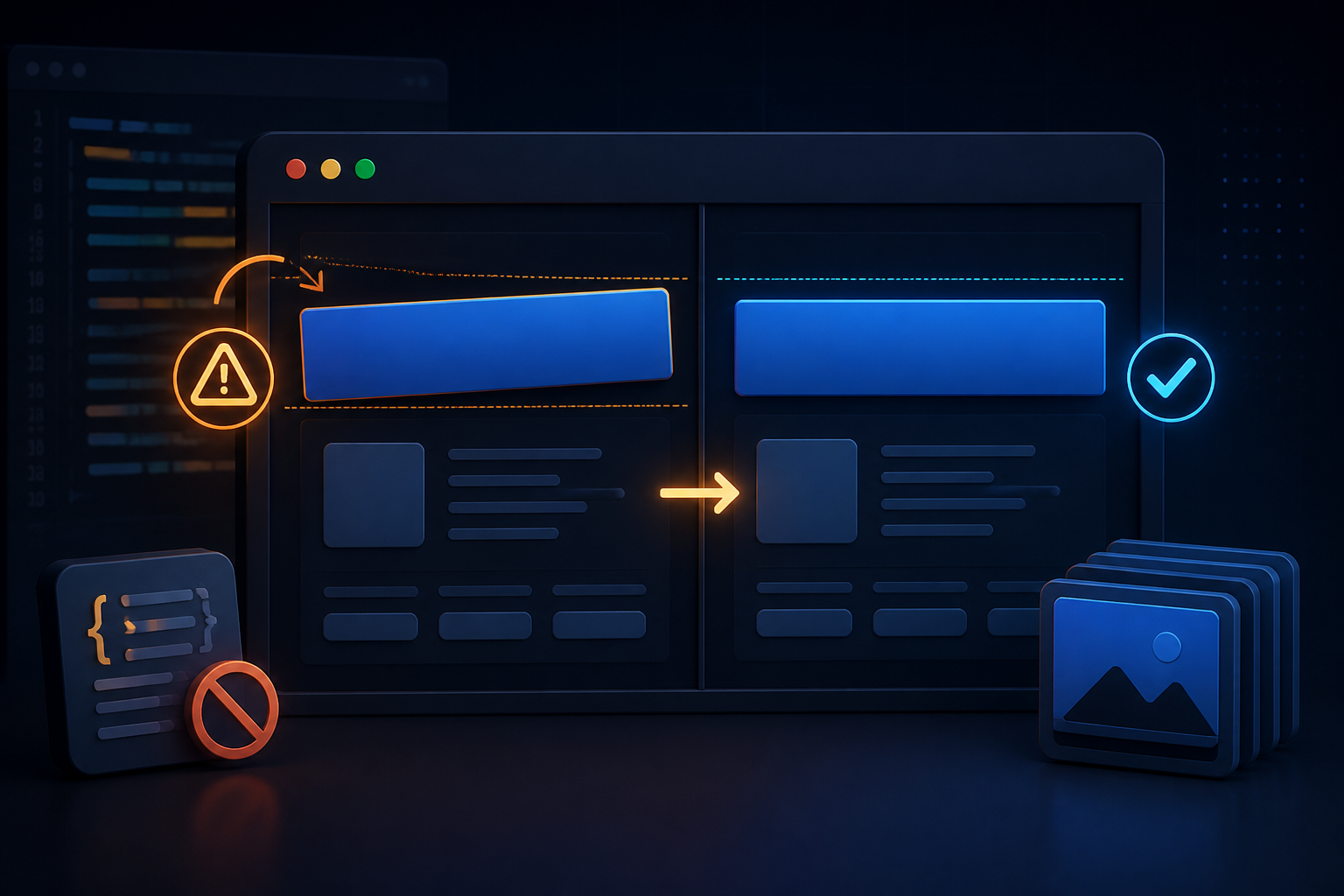
On a cold load of the static export, the Astra site title could briefly look skewed before settling into place. The page itself was not broken, but the first visible moment was enough to make the header look unreliable.
This appeared after generating a static version of a WordPress site using Astra. It was most noticeable on a fresh visit, before the browser had anything cached. Once the animation settled, the title looked normal, which made the issue harder to reproduce if the page was simply refreshed over and over.
What is happening
Astra applies visual transitions and transforms to parts of the site identity. In a regular WordPress render, that motion may be unobtrusive. In the static output, the timing of those styles can produce a brief skew or shift during the initial render.
The problem is presentation rather than content: the title text is correct, but the animation makes it appear misaligned. For a site title, especially one at the top of every page, removing that brief distortion is preferable to preserving a subtle effect.
The fix
Stop Astra from applying transition and transform behaviour to the title elements:
|
|
Add this CSS where the site keeps its custom styles, then regenerate the static output. The rule is deliberately limited to the title and site-identity elements, so it does not disable unrelated motion across the whole theme.
Verify it properly
Do not verify this only with a normal refresh. The issue is most visible during an initial render, so test from a cold load:
- Open a private window, or clear the site cache.
- Load a page containing the header directly.
- Watch the title from the first frame rather than waiting for the page to finish.
- Repeat the check on a generated static page after each theme or plugin update.
The title should stay level from the first render. If a shift remains, inspect any additional custom CSS or optimisation layer that changes how theme styles are loaded. The purpose of this rule is to remove the Astra animation responsible for this specific symptom, not to mask a layout problem elsewhere.
Why a small CSS fix is appropriate
There is no need to change the site title markup or rebuild the static site process for a visual glitch caused by a theme effect. Disabling the effect at the affected elements keeps the correction small and easy to revisit later.
If Astra changes its selectors in a future release, retest this rule. Until then, this is a focused way to make the static site’s header look stable on its first impression.