Home avatar

Building and implementing end-to-end solutions to solve real-world problems

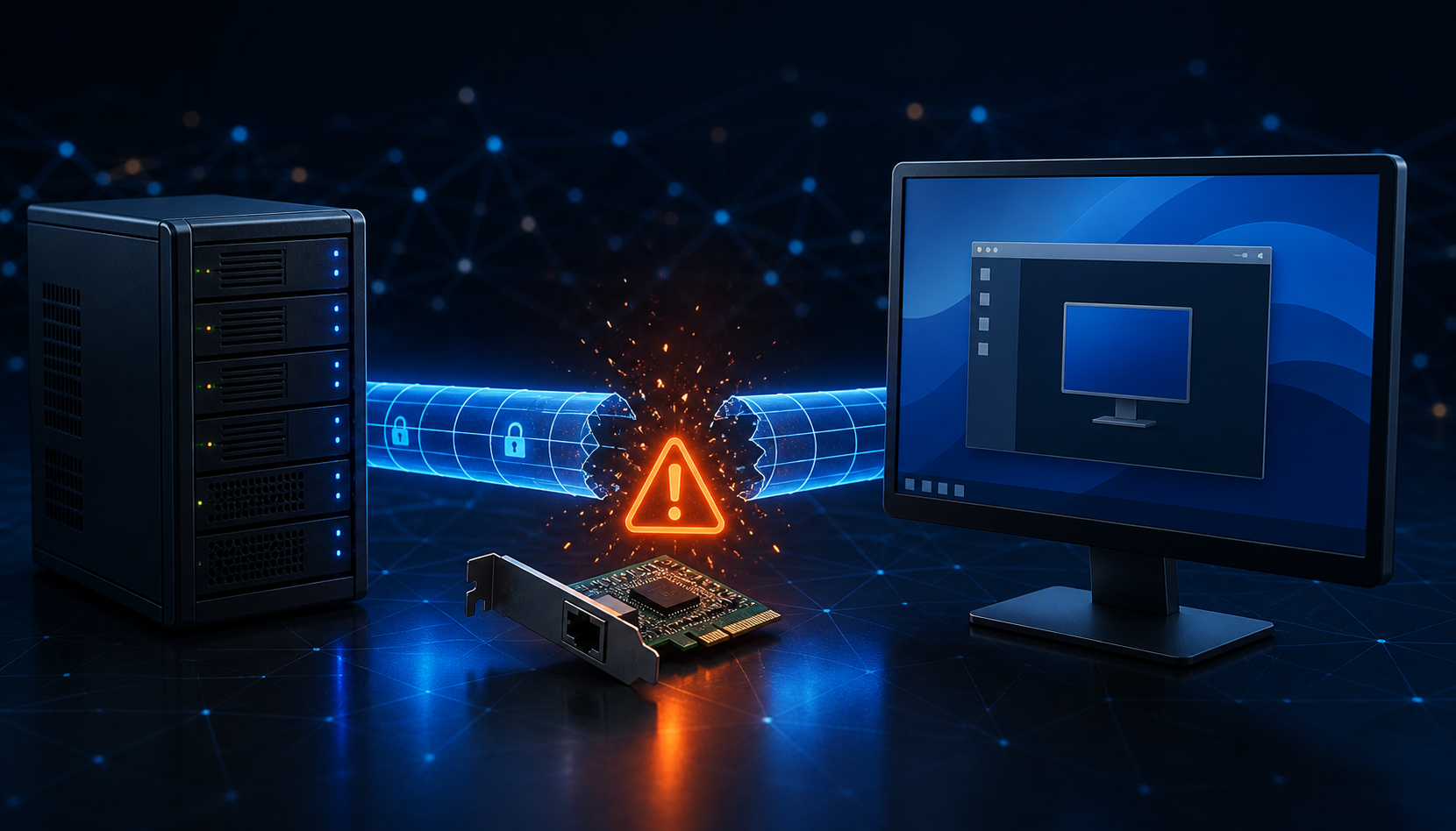
RDP Disconnects After Connecting Through an SSH Tunnel in VMware Workstation

The SSH tunnel looked fine. I could connect to the Windows 11 Pro guest, start an RDP session, and then watch it drop again a short time later. It was the kind of failure that invites a long detour into SSH settings, even though SSH was not the part falling over.

The setup was VMware Workstation on Windows. An Ubuntu Server VM provided the SSH tunnel, and the Windows 11 Pro VM was the RDP target. The tunnel was already established by the time the remote desktop client connected, so this was not an authentication problem or a tunnel that never came up.
Sync Nextcloud Contact Groups With Android and IOS

Nextcloud is a powerful self-hosted cloud platform that includes built-in support for contacts and calendars via the CardDAV and CalDAV protocols. If you’re looking to keep your contact groups synced across Android and iOS devices using Nextcloud, this guide will show you how to do it with the help of DAVx⁵—a popular open-source CardDAV/CalDAV sync app for Android.

Why Sync Contact Groups?

Syncing contact groups ensures better organization and smoother communication across devices. If you maintain separate personal, business, or family groups in Nextcloud, syncing them helps keep things consistent across your mobile devices.

Send Files Between IOS and Android With LocalSend

Transferring files between iOS and Android devices has historically been complicated due to ecosystem limitations. LocalSend offers a straightforward, local network-based solution for seamless file sharing across platforms without relying on cloud services or internet connectivity.

What is LocalSend?

LocalSend is an open-source, cross-platform application that enables direct file transfers between devices on the same local network (Wi-Fi). It supports iOS, Android, Windows, macOS, and Linux. All transfers are encrypted and occur without sending data to external servers, preserving privacy and speed.

Android Mirroring With Scrcpy

Scrcpy is a free and open-source tool that allows you to mirror your Android device’s screen to your computer. It provides high-performance, low-latency screen mirroring and works over USB and Wi-Fi connections. This guide explains how to set up and use Scrcpy efficiently.

Prerequisites

  • Android device with USB debugging enabled
  • Computer (Windows, macOS, or Linux)
  • Scrcpy installed on the computer

Step-by-Step Guide

1. Install Scrcpy on Your Computer

  • Windows: Download and run scrcpy.exe from the GitHub release page.

Backing Up Your Mac to a Windows Time Machine Server

While Time Machine is traditionally used with an Apple Time Capsule or another Mac, it’s possible to set it up with a Windows machine as the server. This guide outlines the steps involved.

Prerequisites

  • A Windows machine with sufficient storage space.
  • A Mac running macOS Monterey or later.
  • Basic familiarity with file sharing and network settings on both platforms.

Step-by-Step Guide

1. Setting Up the Windows Server:

HDD Getting Slow With APFS Partition on Mac

Many Mac users experience slowdowns on their hard drives (HDDs) when they are partitioned with APFS and reach full capacity. This is because APFS, while efficient, doesn’t offer defragmentation capabilities like HFS+.

The Problem with APFS

APFS (Apple File System) is a modern file system designed for speed and efficiency on solid-state drives (SSDs). However, it doesn’t have built-in defragmentation, which can lead to performance issues when the drive becomes full.